
Excel ships with personal budget and net worth templates, and you can pull either one up in under a minute through File → New. A lender-style personal financial statement is the template Microsoft’s gallery doesn’t carry: nothing in the built-in library reports income sources or contingent liabilities, and nothing carries the signature-and-date block a lender expects. So the practical answer is that Excel gives you a decent starting grid, and the statement itself comes from somewhere else.
What Excel’s template gallery actually includes
Microsoft distributes Excel templates two ways: the search box under File → New in the desktop app, and the online gallery at excel.cloud.microsoft, where the financial-management section runs to budgets, loan calculators, expense trackers, and savings planners. Microsoft’s own budgeting guide points households to the personal budget template, which tracks monthly income against expenses.
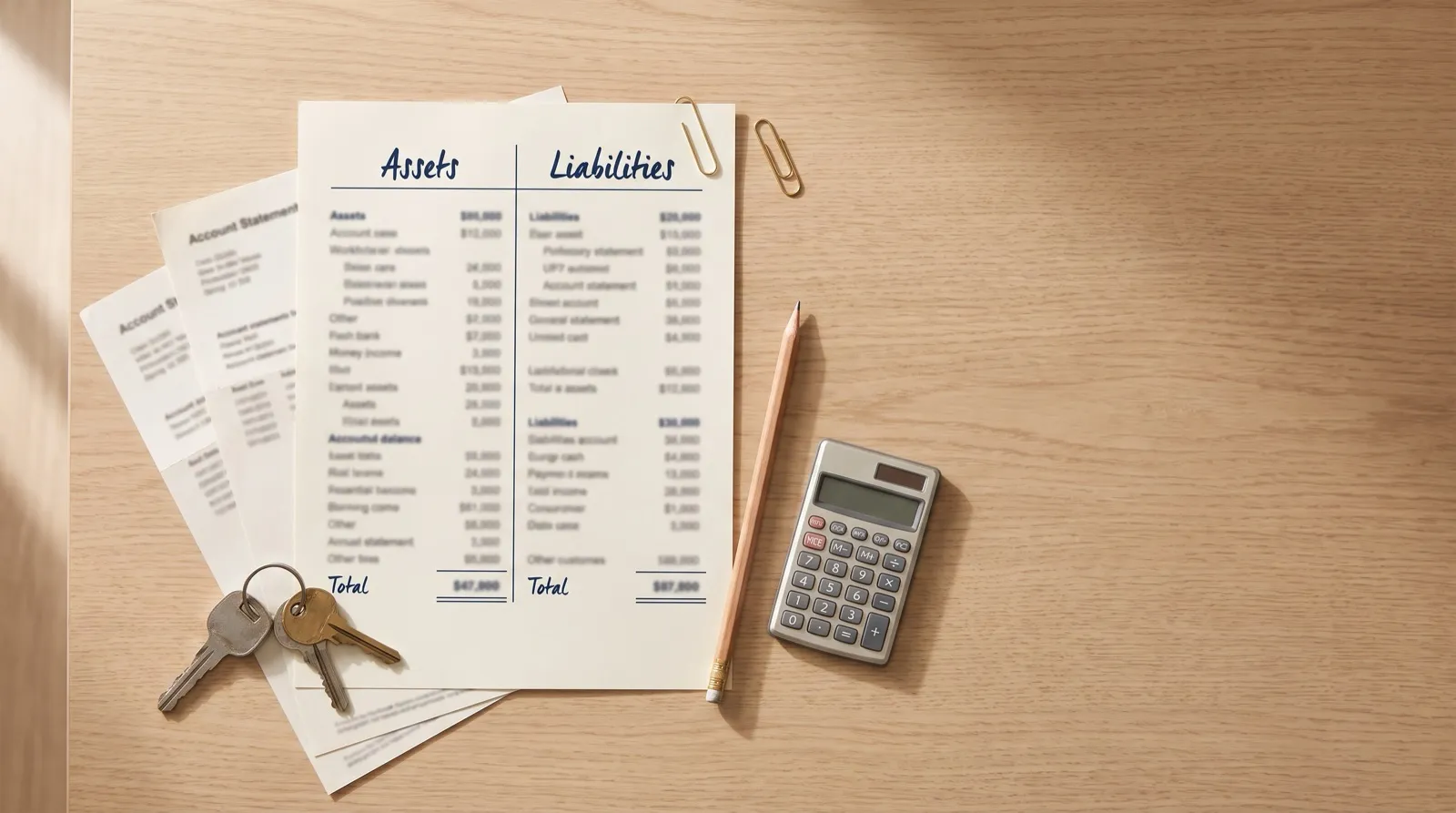
Search that gallery for “net worth” and you’ll find Microsoft’s net worth templates: a two-column layout that lists what you own, lists what you owe, and calculates the difference with built-in totals. That is a genuinely useful sheet, and it is the closest thing to a personal financial statement Microsoft offers. Search for “personal financial statement” and the results fall back to those same budget and net worth sheets, because a PFS template under that name isn’t in the library.
A personal financial statement (PFS) is a signed, single-date report of an individual’s or couple’s finances: assets at estimated current value, liabilities with creditor detail, the resulting net worth, plus income sources and contingent liabilities. Lenders use it to judge repayment ability and creditworthiness; the SBA’s standardized version is Form 413.
The gap between the net worth template and a full PFS is exactly the part lenders care about most. Having sat on the borrower side of commercial deals, I can tell you the sections that generate underwriter callbacks are rarely the asset list. They’re the income sources and the contingent liabilities: the personal guarantees and co-signed notes that don’t show up on any bank statement. Those are precisely the sections no built-in Excel template asks about, which is how borrowers end up handing a lender a tidy net worth sheet and getting a request for “the full statement” back.
The built-in options compare against a lender-ready statement like this:
| What a lender-ready PFS needs | Excel budget template | Excel net worth template |
|---|---|---|
| Assets at current value | Partial (cash flows only) | Yes |
| Liabilities with creditor detail | Partial (payments only) | Yes (balances) |
| Net worth calculation | No | Yes |
| Income sources | Monthly tracking, not sources | No |
| Contingent liabilities | No | No |
| Signature and date block | No | No |
| Lender-recognized layout | No | No |
How to find the built-in templates anyway
The net worth template is still worth grabbing as a starting grid. The path:
- Open Excel and choose File → New.
- Type “net worth” (or “budget” or “balance sheet”) into the template search bar.
- Pick a template, and replace the sample values with your accounts.
If your Excel version shows no results (older desktop installs carry fewer templates) the same files are in Microsoft’s browser-based gallery and download straight into Excel.
Where to get a real PFS template for Excel
Three free sources fill the gap Microsoft leaves, and all three are built for the lending use case:
- SBA Form 413 itself. The official form is free and fillable, and the SBA uses it to assess applicants for 7(a) loans, 504 loans, Disaster loans, surety bond guarantees, the 8(a) program, and WOSB certification. It’s a PDF rather than a spreadsheet, so many borrowers draft in Excel and transfer the figures. The section-by-section guide walks the whole form.
- SCORE’s PFS spreadsheet. SCORE, the SBA’s resource partner network, publishes a free personal financial statement template in Excel with the balance-sheet and detail sections already laid out.
- Vertex42’s PFS template. The free Excel and Google Sheets version bundles a personal balance sheet, a cash flow statement, and a details worksheet for individual accounts, properties, and loans.
Our own personal financial statement template and net worth statement template are free downloads as well, structured around the same sections lenders expect, and the free net worth calculator handles the assets-minus-liabilities math in the browser with no signup.
What a spreadsheet PFS still won’t do
Whichever template you download, every number in it arrives by hand: you read a balance off a bank statement and type it into a cell. Spreadsheet researchers have measured how that goes.
3.9%
Average cell error rate across 14 laboratory studies of spreadsheet development, covering 967 participants working alone.
A personal financial statement is small, so a few percent per cell sounds survivable. The researcher behind much of that data explains why it still bites:
Research on spreadsheet errors is substantial, compelling, and unanimous. … Spreadsheet errors are rare on a per-cell basis, but in large programs, at least one incorrect bottom-line value is very likely to be present.
On a lender’s desk, one wrong bottom line is the whole game: underwriters reconcile your statement against bank statements and tax transcripts, and a figure that won’t reconcile sends the document back. There’s also a clock: SBA Form 413 must be dated within 90 days of submission for 7(a) and 504 applications submitted from October 1, 2026, so a statement that goes stale mid-underwriting gets rebuilt by hand, cell by cell, under deadline. The full breakdown of where the spreadsheet route holds up and where it breaks is in our Excel template vs. software comparison, with a longer feature-by-feature table in the software vs. Excel feature table.
Build your personal financial statement in minutes
StatementsReady syncs bank balances read-only through Plaid, fills SBA Form 413, and exports a lender-ready PDF on demand.
- SBA Form 413 with every section filled
- Bank sync through Plaid, read-only
- 7 days free, no card
When the Excel route is enough
A downloaded template is the right call more often than a software company likes to admit. Stay in the spreadsheet when the statement is a one-time job: a single loan application with a couple of bank accounts and one signer. Type carefully, check the math, transfer the numbers to the lender’s form, done.
The calculus changes when the statement recurs. Investors with annual lender requests, owners with multiple entities to reconcile, and anyone rebuilding a stale statement mid-deal is repeating the hand-typing step that produces the reconciliation errors above. StatementsReady pulls balances read-only through Plaid, formats the output to the current Form 413 layout, and keeps the statement current for the next request; the Single plan is $79 one-time, and Pro is $29/month for unlimited statements. More on the document itself, including what belongs in each section, lives in the personal finance archive and our what is a personal financial statement guide.
Related reading
- Personal financial statement Excel template vs. software
- The personal financial statement template guide
- What is a personal financial statement?
- How often should you update a personal financial statement?
- The full form walkthrough is in the SBA Form 413 guide, and the SBA Form 413 template gives you the structured starting point.
Skip the spreadsheet
A lender-ready personal financial statement from synced balances, in about 8 minutes.
- 7 days free
- No credit card
- PDF, SBA Form 413, Word, or Excel
Build your personal financial statement in minutes
StatementsReady syncs bank balances read-only through Plaid, fills SBA Form 413, and exports a lender-ready PDF on demand.
- SBA Form 413 with every section filled
- Bank sync through Plaid, read-only
- 7 days free, no card