Personal Financial Statement Excel Template vs. Software
A personal financial statement Excel template is free and works for one filing. See where it breaks on repeat lender requests, and when PFS software wins.

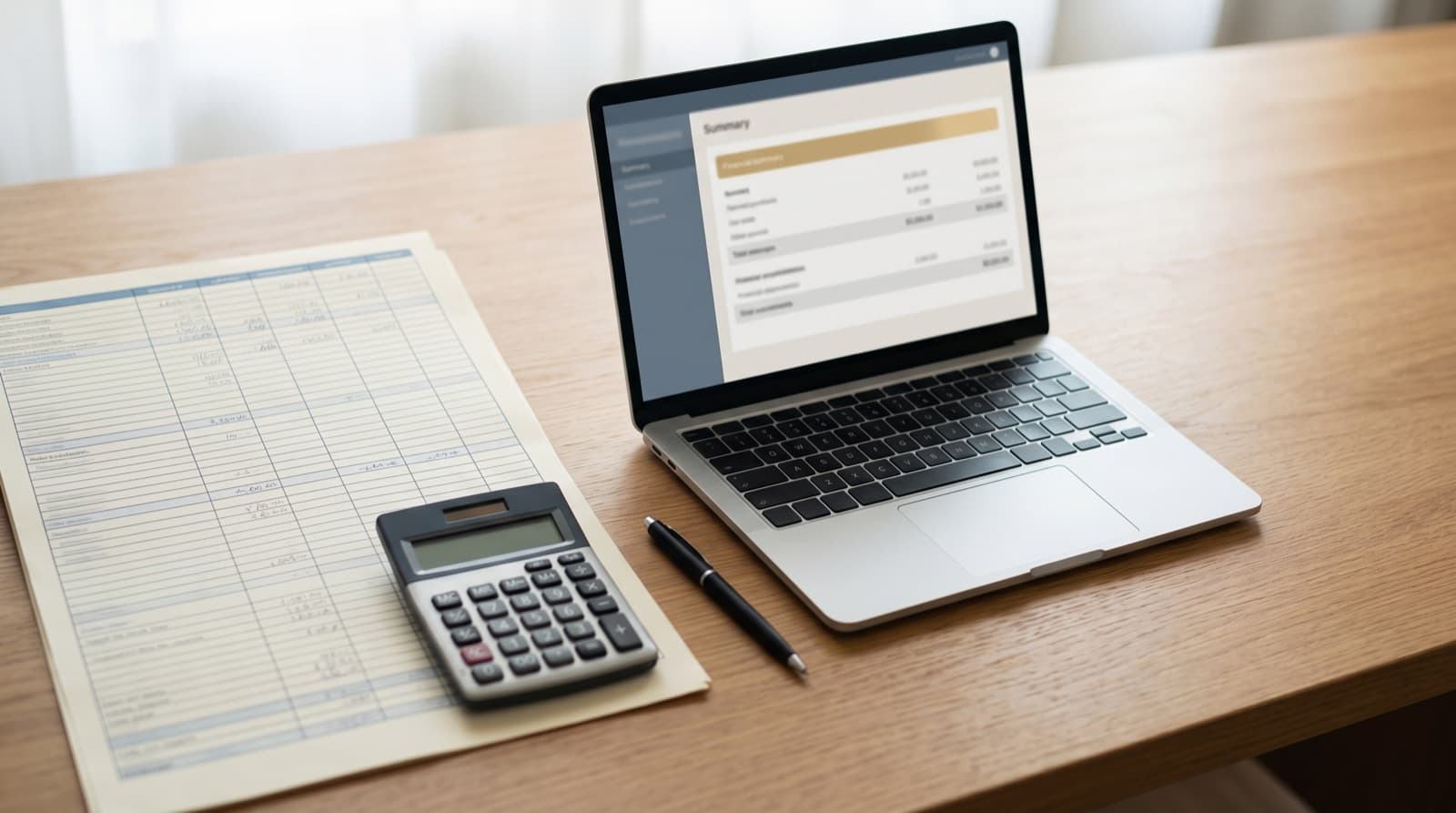
A personal financial statement Excel template costs nothing and works fine for a single loan application. Purpose-built software earns its price the second time a lender asks for one, when the alternative is re-typing last year's numbers from a blank sheet and hoping they still reconcile to your bank statements. Which one fits you comes down to two questions: how many times you will have to produce the statement, and how many accounts and entities feed it.
Key takeaways
- A free Excel or PDF template is genuinely fine for a single personal financial statement with one or two accounts.
- The risk in a spreadsheet PFS is rarely a broken formula. It is the manual re-keying, bank statement into Excel and Excel into the lender's Form 413, where transcription errors enter.
- Lenders reconcile your statement against the documents they pull. A typo that does not match is what triggers a callback, not a rounding choice.
- Software removes the transcription step: balances sync read-only through Plaid, and the output is formatted to the current Form 413.
- Switch when you face repeat requests, multiple entities, or the 120-day SBA recency window forcing you to rebuild the statement mid-deal.
What a personal financial statement Excel template gives you
Definition
A personal financial statement is a one-date snapshot of an individual's or married couple's finances: assets at estimated current value, liabilities at the amount owed, and the difference reported as net worth. The lending version most borrowers meet is SBA Form 413, which adds sections for income sources and contingent liabilities.
The free options are real and worth knowing. SBA Form 413 is itself a free, fillable PDF straight from the SBA. Plenty of free Excel templates rebuild the same two-column asset-and-liability layout, and our own personal financial statement template and net-worth statement template give you a structured starting point if you would rather not stare at a blank grid. For the full line-by-line treatment, the personal financial statement template guide walks each section.
A template's strength is that it asks nothing of you up front: no account, no subscription, no learning curve. You open it, you type, you print. For a single application with a checking account, a car, and a mortgage, that is the whole job, and you can finish it in an afternoon.
The cost shows up later, and it is not where most people expect.
What personal financial statement software does differently
Software changes one thing that matters: it removes the typing. Instead of copying balances off your latest statements, StatementsReady connects to your accounts read-only through Plaid and pulls the current balances directly. Plaid holds the credentials, StatementsReady never sees your bank username or password, and nothing is written back to the account. Data stays in transit under TLS 1.3 with US data residency.
From there the app formats the numbers into the current SBA Form 413 layout, exports a lender-ready PDF (or an XLSX file if you still want the spreadsheet), and keeps the statement on file so the next one is a refresh instead of a rebuild. If you already have a bank-prepared PFS or a tax return, the AI document extraction reads it and fills the fields for you.
None of that is free, and the honest accounting matters. A spreadsheet costs nothing; the Single plan is $79 one-time for one statement, and Pro is $29/month for unlimited statements. What you buy is the removal of the step that produces the error a lender actually notices.
Excel template vs. software, head to head
| Dimension | Excel / PDF template | Purpose-built PFS software |
|---|---|---|
| Cost | Free (SBA Form 413 PDF), or a few dollars for a paid template | Single $79 one-time; Pro $29/month unlimited |
| First build | An afternoon of typing | Minutes, once accounts are connected |
| Bank balances | Typed in by hand from statements | Pulled read-only through Plaid |
| The math | Your formulas, your risk | Calculated by the app |
| Form 413 layout | You format it to match | Output mirrors the current Form 413 |
| Updating next year | Re-key from scratch | One-click rollover with refreshed balances |
| Version control | Several saved copies, unclear which is current | One dated record |
| Best for | A single filing, one account, one signer | Annual requests, multiple entities |
The single number worth sitting with comes from decades of spreadsheet research. Across nine audit studies of real, in-use spreadsheets, errors turned up in 84% of them, and in the studies that reviewed every cell carefully, 91%.
84%+
Share of real-world spreadsheets found to contain errors across nine audit studies; in the studies using the most rigorous cell-by-cell review, 91% contained errors.
Source: Raymond R. Panko, University of Hawaii, Spreadsheet Research (SSR)
Those errors are not a sign of careless users. They are a structural property of the tool: the audits show the rate barely moves even when careful, experienced people do the work, and the researchers who study it say so plainly.
[Spreadsheets] can include many complex customised algorithms but are not typically built by software engineers who are trained to create reliable software.
The failure mode is re-keying, not formulas
The formula-error statistics miss something. Most borrowers do not hand the lender their spreadsheet. They build the PFS in Excel, then re-type every figure into the lender's official Form 413 or online portal. That is two transcription passes, statement into Excel and Excel into the form, and each one re-rolls the dice at the per-cell error rate spreadsheet researchers measure.
The error that sinks an application is rarely a wrong sum. It is a single number that does not match the document the lender already has. SBA lenders pull tax transcripts and recent bank statements and reconcile them against your Form 413. When the checking balance you typed is off by a transposed digit, the underwriter does not assume a typo; they ask for the whole statement again.
Then there is version drift. The SBA requires Form 413 to be dated within 120 days of a 7(a) or 504 submission, and many preferred lenders enforce a tighter internal window. Underwriting routinely runs past that line, so the lender comes back sixty days in and asks for a refreshed copy. Now you are hunting through three saved files, the one you emailed, the one your CPA has, and the one labeled "final," trying to remember which balances were current as of when. On my own commercial deals, the statement going stale mid-underwriting is the rule, not the exception.
The danger is not theoretical, and it is not limited to small numbers. In October 2020 the UK lost track of nearly 16,000 positive COVID-19 test results after data was imported into an older version of Excel that could hold less data, according to The Conversation. Nobody fat-fingered a cell. The tool silently dropped what did not fit. A personal financial statement is smaller, but the lesson holds: a spreadsheet will not warn you when something is wrong.
Build your personal financial statement in minutes
StatementsReady syncs with your bank accounts, auto-populates SBA Form 413, and generates a lender-ready PDF on demand. No spreadsheets, no manual updates.
- SBA-compliant Form 413 generation
- Bank sync via Plaid (read-only)
- Always current — no stale snapshots
When an Excel template is the right call
Stay in the spreadsheet when:
- You need the statement once. A single SBA application, a one-time personal guaranty, a mortgage file. Pay nothing, type it once, move on.
- Your finances are simple. One or two bank accounts, a house, a car, a retirement account. There is little to reconcile and little to drift.
- You are the only signer. No spouse's accounts, no co-owners, no LLCs whose balances you would otherwise be chasing across tabs.
- You like spreadsheets and you check your work. Careful cell-by-cell review still catches most errors. It is tedious, but it works for a small statement.
If that is you, a free template is the right tool and software is overkill. The software-vs-Excel comparison lays out the same honest cutoff, with a side-by-side feature table.
When to switch to software
Move off the spreadsheet when the statement stops being a one-time job:
- A lender asks every year. Active investors, brokers, and owners with lines of credit get the annual "send us an updated PFS" email. Re-keying it each time is where the commercial real estate investor workflow breaks down.
- You own multiple properties or entities. Tagging assets to specific LLCs or trusts by hand across spreadsheet tabs is exactly the cross-referencing that produces reconciliation errors.
- You are mid-deal and the clock is running. When underwriting drags past the 120-day window, a one-click refresh beats rebuilding the statement under time pressure, and time pressure is when error rates climb.
- The numbers have to match other documents. If your PFS feeds a DSCR calculation or sits beside a business loan application, one transposed figure cascades into every ratio the lender computes.
Neither tool is wrong. A spreadsheet is the right call for a one-time filing; software earns its keep the moment the statement becomes a recurring obligation. If you want to see what a finished statement should contain before you decide, personal financial statement vs. balance sheet covers the document itself, and the rest of the personal finance archive goes deeper on net worth and lender expectations.
Related reading
- What is a personal financial statement?
- The personal financial statement template guide
- Personal financial statement vs. balance sheet
- How often should you update a personal financial statement?
- The full section-by-section walkthrough lives in our SBA Form 413 guide.
If you would rather build the statement from a structured form than retype it into a lender's PDF, the SBA Form 413 template and the general personal financial statement template are the place to start, and the free net-worth calculator handles the core math with no account required.
Skip the spreadsheets
Generate a lender-ready personal financial statement in minutes with StatementsReady.
- Free to start
- No credit card required
- Used by SBA-preferred lenders
Frequently asked questions
Build your personal financial statement in minutes
StatementsReady syncs with your bank accounts, auto-populates SBA Form 413, and generates a lender-ready PDF on demand. No spreadsheets, no manual updates.
- SBA-compliant Form 413 generation
- Bank sync via Plaid (read-only)
- Always current — no stale snapshots
Keep reading
Net Worth Statement Examples: 5 Worked Scenarios
Five net worth statement examples with real numbers: W-2 earner, business owner, investor, retiree, and SBA borrower, plus what a lender reads first.
Does Excel Have a Personal Financial Statement Template?
Excel's built-in gallery has budget and net worth templates, but no lender-style personal financial statement. What to download instead.

How Often Should You Update a Personal Financial Statement?
A personal financial statement is a point-in-time snapshot. Refresh it within 120 days for an SBA 7(a)/504 loan, yearly otherwise, and after a major change.