
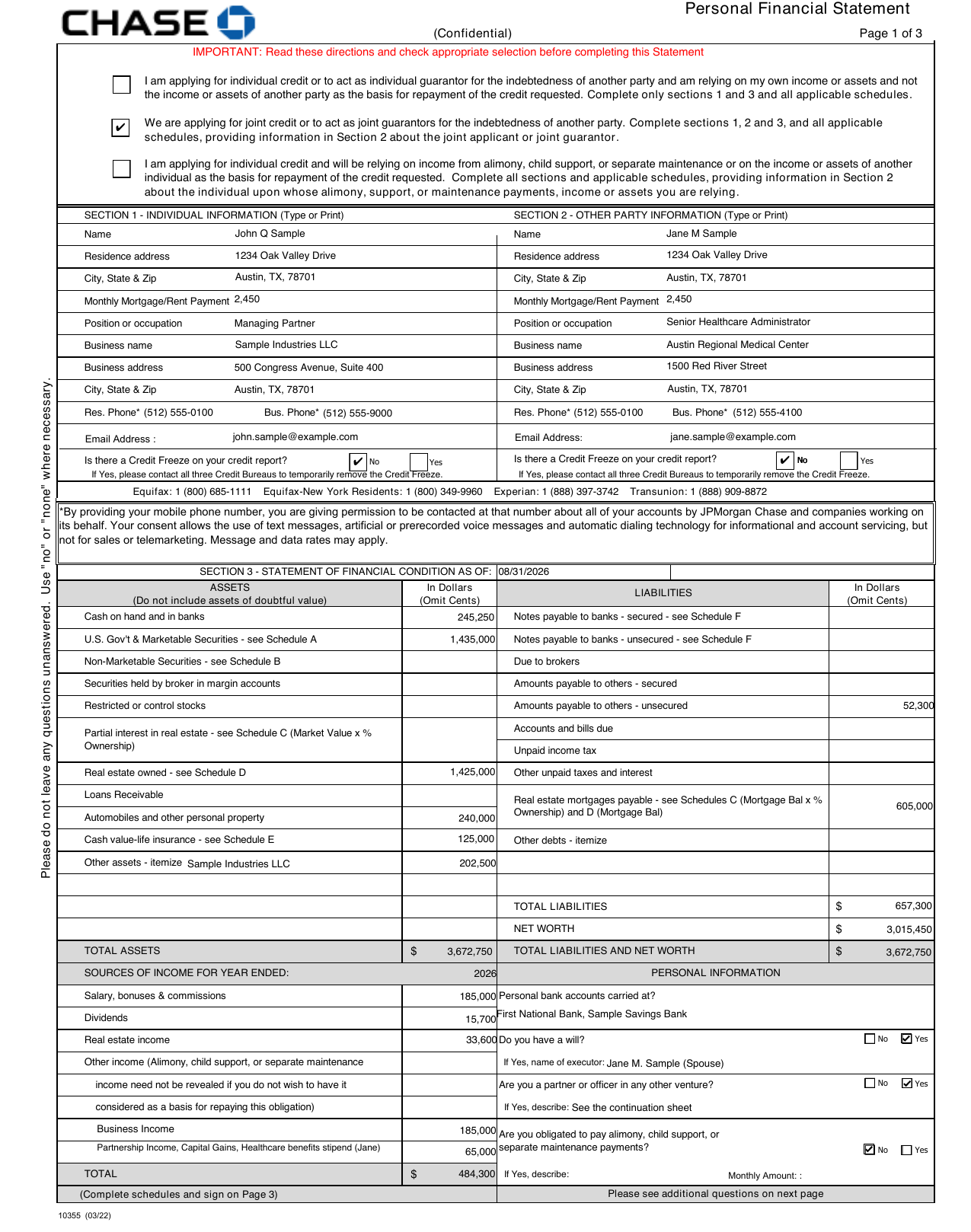
Chase personal financial statement form, filled in for you.
The Chase personal financial statement form is what Chase asks for when you apply for business credit or guarantee someone else's loan. It lists what you own, what you owe, and your net worth. StatementsReady fills it in for you. Add your numbers once, or sync them from your accounts, and download Chase's form as a PDF with your figures already on it.
Build your statement free for 7 days. No credit card.
How it
works.
Three steps. You enter the numbers. The form gets filled in.
Add your numbers
Link banks, brokerages and loans read-only through Plaid, upload a document and let Smart Import read it, or type the figures in. Real estate, business interests and other debts go in once.
Pick the Chase form
Choose the Chase form when you export. Your totals land on the balance sheet, and each holding, property and loan goes on the schedule the form points to.
Sign and send
Anything that does not fit on the form prints on attachment pages in the same PDF. The form keeps its own signature block, so you sign where Chase expects and send it to your banker.
A filled-in
sample.
Page 1 of the Chase form, made from a sample statement. Every name and number on it is made up.
What
you get.
The free trial is for building your statement. The Chase form comes with every paid plan.
- Your figures typed onto Chase’s own form
- Individual or joint: a co-applicant’s details go in Section 2
- Schedules filled in for securities, real estate, part-owned real estate and bank debts
- Extra rows moved to attachment pages when a schedule runs out of lines
- Total assets, total liabilities and net worth added up for you
- The same statement also exports as SBA Form 413, 3 PDF layouts, Word and Excel
Chase is a trademark of JPMorgan Chase & Co. StatementsReady isn't affiliated with or endorsed by JPMorgan Chase.
Common questions.
Still have a question?
Get in touch
Where do I get the Chase personal financial statement form?
Who has to fill out a Chase personal financial statement?
Can I fill out the Chase form on the free trial?
Is StatementsReady part of Chase?
Start your statement.
Free for 7 days. No credit card.